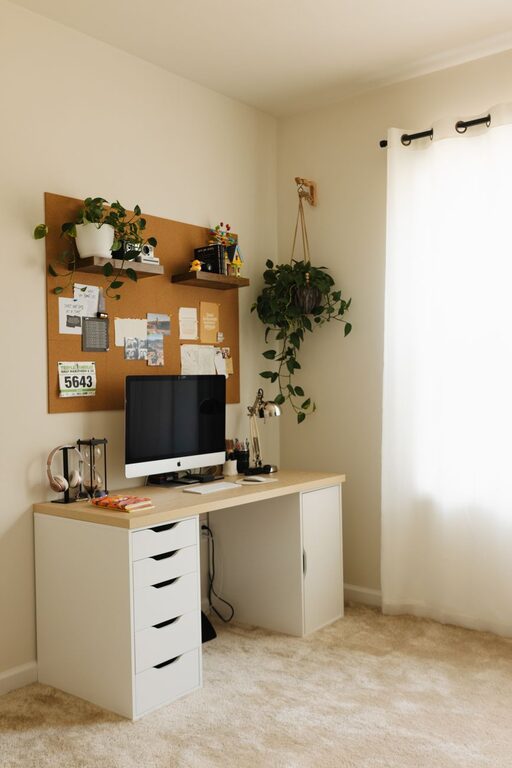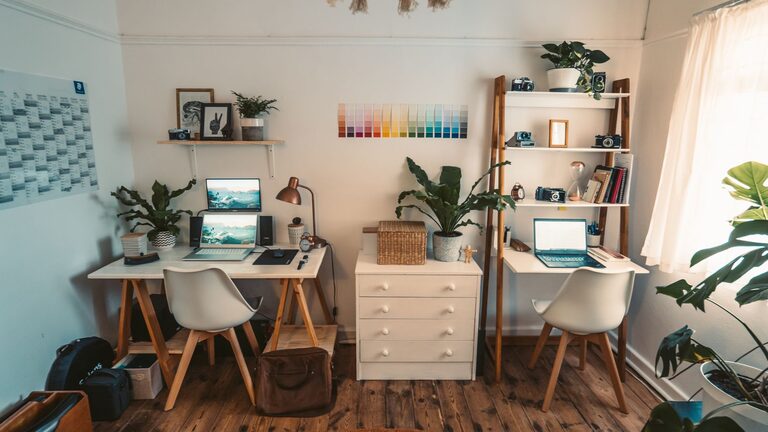
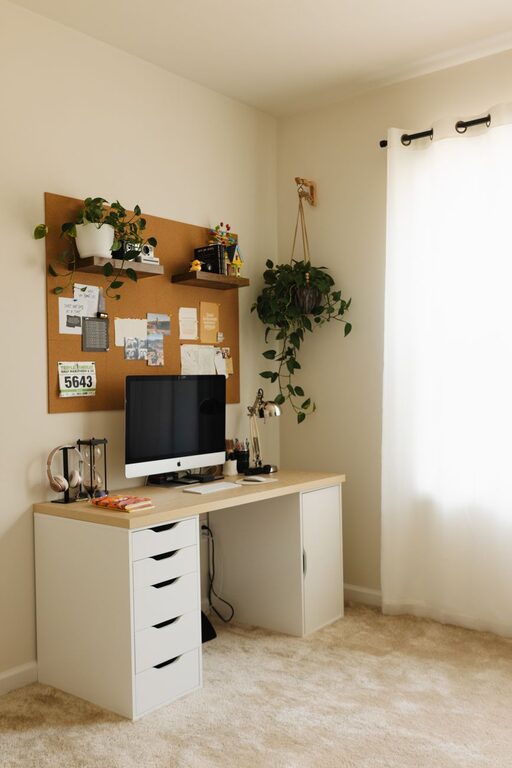
Working from home has become a regular part of life for many people, and having a workspace that is both comfortable and efficient can make a big difference in your daily routine. Whether you have a dedicated room or just a small corner, creating a cozy and functional home workspace is achievable with a little planning and creativity. In this post, we’ll walk you through practical tips to design a space that encourages focus and well-being.
Choose the Right Location
The first step to creating a successful workspace is selecting the best spot in your home. Consider the following:
– Natural light: Pick a place near a window if possible. Natural light helps reduce eye strain and improves mood.
– Quiet environment: Choose a space away from noise and distractions, such as household chores or loud appliances.
– Ventilation: Make sure the area has good air flow to keep you comfortable during long hours.
– Space availability: Even a small nook with a desk or table can work if arranged thoughtfully.
Select Comfortable and Ergonomic Furniture
Your furniture should support good posture and reduce physical strain.
Desk
– Pick a desk that fits your needs and space — it should be large enough for your computer, documents, and other essentials.
– Adjustable desks (standing desks) can help you switch between sitting and standing during the day.
Chair
– Invest in an ergonomic chair with proper lumbar support.
– Adjustable height and armrests add to comfort.
– If you can’t get an ergonomic chair, add cushions or lumbar pillows for better support.
Optimize Lighting for Comfort and Productivity
Lighting plays a key role in reducing eye strain and keeping you energized.
– Use a combination of ambient light and task lighting.
– A desk lamp with adjustable brightness and color temperature is ideal.
– Avoid harsh overhead lighting or glare on your screen.
– Use blackout curtains or blinds if sunlight creates too much glare.
Organize Your Workspace Effectively
An organized workspace helps reduce stress and keeps you focused.
– Use shelves, drawers, or organizers to keep supplies neat.
– Keep only the essentials on your desk to prevent clutter.
– Consider cable management solutions to avoid tangled cords.
– Use file holders or binders to organize papers.
Add Personal Touches for Coziness
A space that feels inviting can boost your mood and motivation.
– Decorate with plants to add a touch of nature; they can also improve air quality.
– Use soft textiles like cushions or a cozy rug to make the space warm.
– Hang artwork or photos that inspire or calm you.
– Choose colors that make you feel relaxed or energized depending on your preference.
Manage Technology Smartly
Technology is essential but can sometimes be overwhelming.
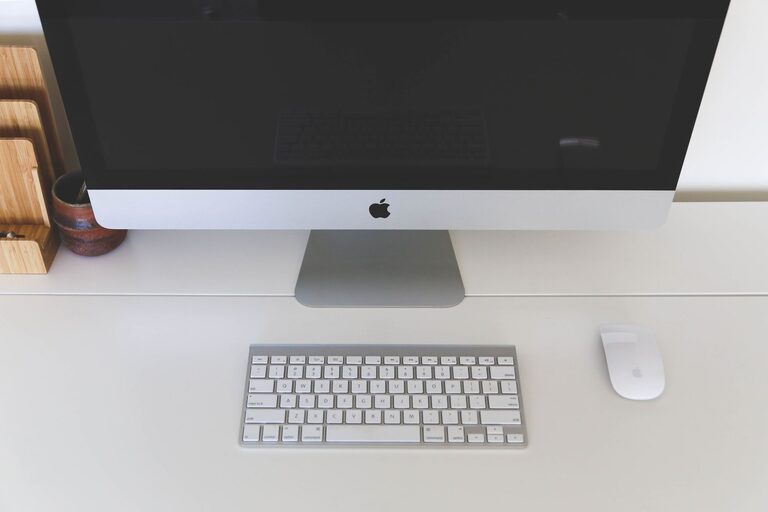
– Keep your computer, monitor, and other devices at eye level.
– Use headphones or speakers if you like background music or need noise cancellation.
– Keep chargers and devices organized to avoid distractions.
– Regularly clean your devices for hygiene and better performance.
Set Boundaries and Establish a Routine
Designating a workspace can help you maintain work-life balance.
– Let family or housemates know your work hours to minimize interruptions.
– Use your workspace only for work to condition your mind to focus there.
– Take regular breaks to reduce fatigue and stretch.
– Personalize your daily routine to fit your best productive hours.
Use Smart Storage Solutions
Maximize space even in small areas:
– Vertical storage like wall shelves keeps desks clear.
– Multi-purpose furniture, such as desks with built-in drawers, saves space.
– Use baskets or decorative boxes to hide clutter.
Keep Your Workspace Clean
A clean workspace promotes mental clarity.
– Wipe down surfaces regularly.
– Declutter weekly to maintain order.
– Have a small trash bin nearby.
—
By following these tips, you can create a home workspace that feels cozy and supports your productivity. Remember, the best workspace is one tailored to your personal needs and preferences. Take your time arranging and adjusting your setup until it feels just right—your comfort and focus will thank you!
About the Author