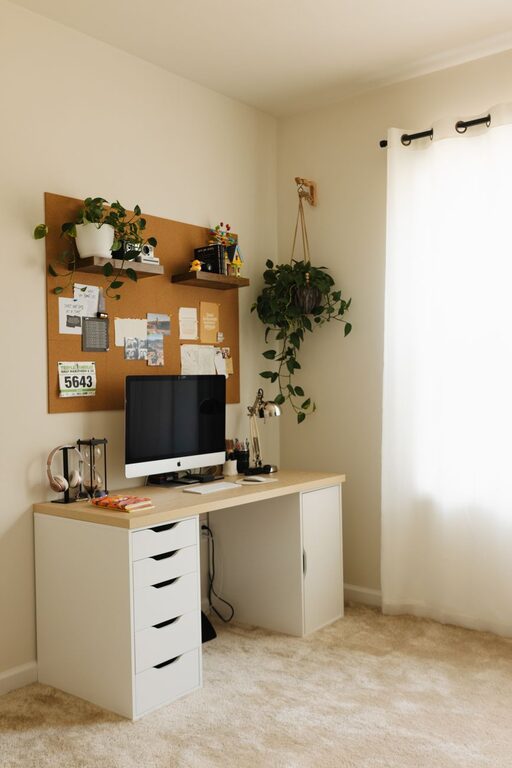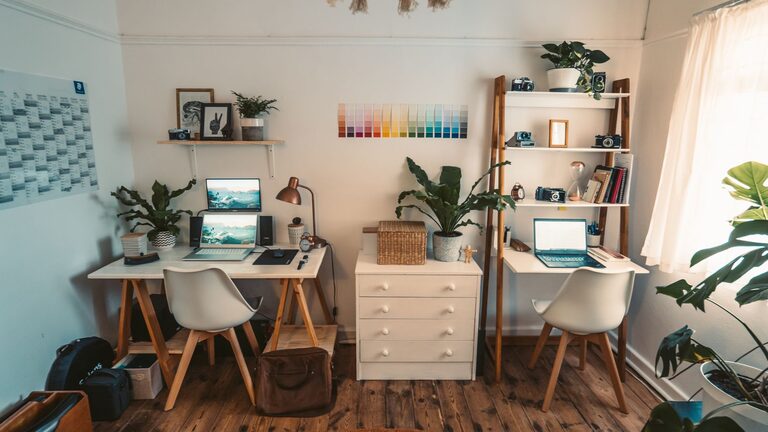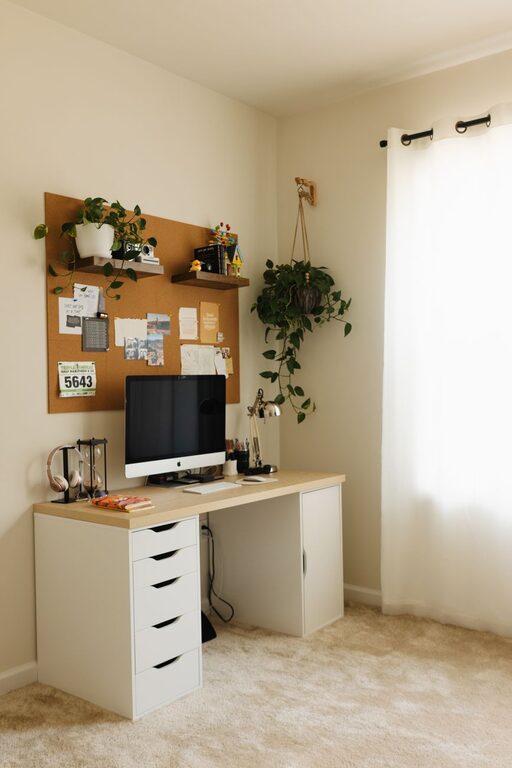

Creating a clutter-free home office is essential for maintaining focus and enhancing productivity. A well-organized space can help reduce stress and make working from home a more enjoyable experience. Whether you’re setting up a new workspace or tidying an existing one, these practical tips will help you design an orderly and inspiring home office.
Why a Clutter-Free Home Office Matters
A cluttered workspace can be distracting and overwhelming. When your desk is piled with papers, gadgets, and miscellaneous items, it’s harder to find what you need and stay on task. Organizing your home office not only saves time but also creates a sense of calm and professionalism.
Assess Your Space and Needs
Before diving into organizing, take a moment to evaluate your current workspace. Ask yourself:
– What tasks do I perform most often?
– Which tools and materials do I use daily?
– What is currently causing clutter or disorganization?
This assessment helps identify what to keep, store, or remove, creating a customized plan that suits your work style.
Declutter: The First Step to Organization
Start by removing everything from your desk and office area. Sort items into categories:
– Essentials to keep on hand (computer, planner, pens)
– Supplies to store nearby (extra paper, chargers)
– Items to discard or donate (old documents, unused gadgets)
Be honest about what you really need. Letting go of unnecessary items clears physical and mental space.
Smart Storage Solutions
Investing in the right storage is key to maintaining a clutter-free office.
Use Drawers and Cabinets Wisely
Designate drawers for specific purposes, such as stationery, cables, or personal items. Use drawer dividers to keep smaller items from scattering. Filing cabinets are excellent for organizing important documents and paperwork.
Shelves and Wall Storage
Maximize vertical space by installing shelves or wall organizers. Use labeled bins or magazine holders to keep papers and supplies orderly but within reach.
Desktop Organizers
Choose organizers that fit your workspace size, like pen cups, paper trays, or small boxes to store frequently used items. Keep your desktop surface as clear as possible to maintain a tidy look.
Cable Management Tips
Cables and chargers can quickly become tangled and messy. Use simple tricks to manage them:
– Cable clips or ties to bundle cords neatly
– Under-desk cable trays to hide wires
– Label chargers and cords for easy identification
Managed cables reduce clutter and make your workspace safer.
Create Zones for Different Activities
If you have space, establish zones dedicated to specific tasks. For example:
– A computer workstation for digital work
– A reading or brainstorming nook with comfortable seating
– A materials area with reference books and supplies
This approach helps you stay organized and focused by keeping related items together.
Keep Daily Essentials Accessible
Items you use every day should be within easy reach. This might include your laptop, notepad, favorite pen, or a cup of water. Avoid crowding the desk with too many things—just the essentials make your area efficient and inviting.
Develop Good Habits to Maintain Organization
Organization is an ongoing process. Adopt habits like:
– Tidying your desk at the end of each day
– Filing papers immediately instead of letting them pile up
– Regularly reviewing office supplies and removing what’s no longer needed
These simple routines prevent clutter from building over time.
Personalize Without Overcrowding
Adding personal touches such as photos, artwork, or plants can make your office feel welcoming. Just be mindful not to overdo it—too many decorations can create visual clutter and distract from work.
Lighting and Ergonomics Matter
While these don’t directly relate to clutter, proper lighting and ergonomics contribute to a comfortable, productive workspace. A well-lit, ergonomic setup reduces eye strain and physical discomfort, encouraging you to keep your space organized.
Digital Decluttering
Don’t forget your computer desktop and digital files. Organize your digital workspace by:
– Creating folders for different projects
– Deleting unnecessary files and emails
– Using cloud storage to keep files backed up and accessible
A clean digital space complements your physical office.
Conclusion
Organizing a clutter-free home office is achievable with a bit of planning and consistent effort. By decluttering, using smart storage solutions, managing cables, and creating functional zones, you can build a workspace that supports productivity and reduces stress. Keep daily essentials handy, develop positive habits, and personalize thoughtfully. With these tips, your home office will become a welcoming and efficient environment for all your work needs.
About the Author