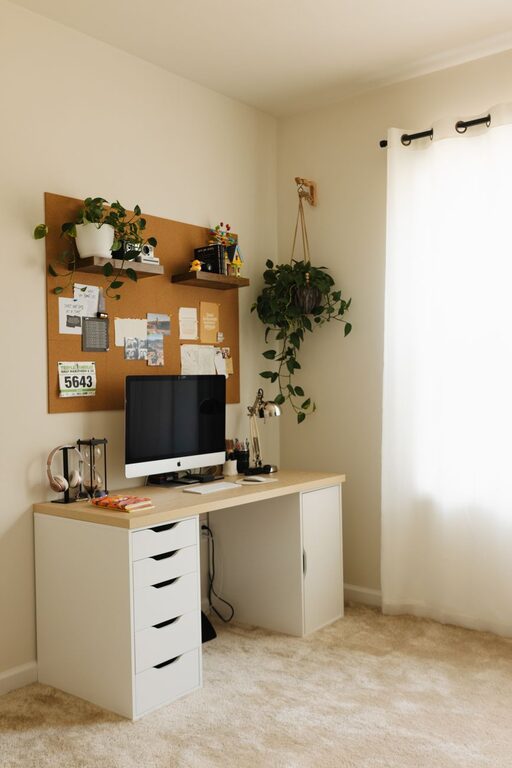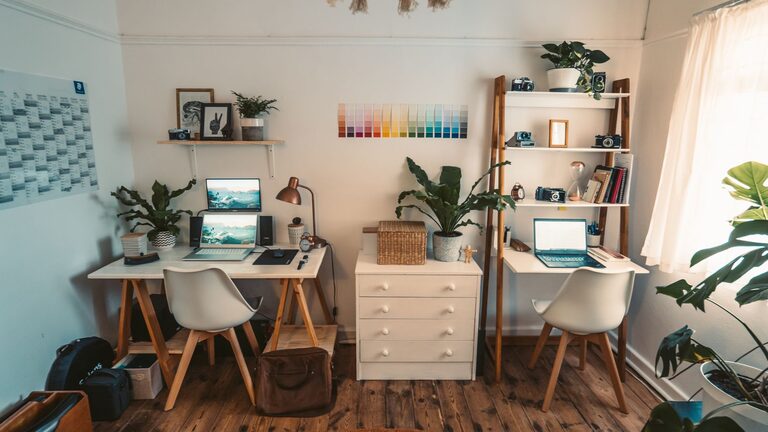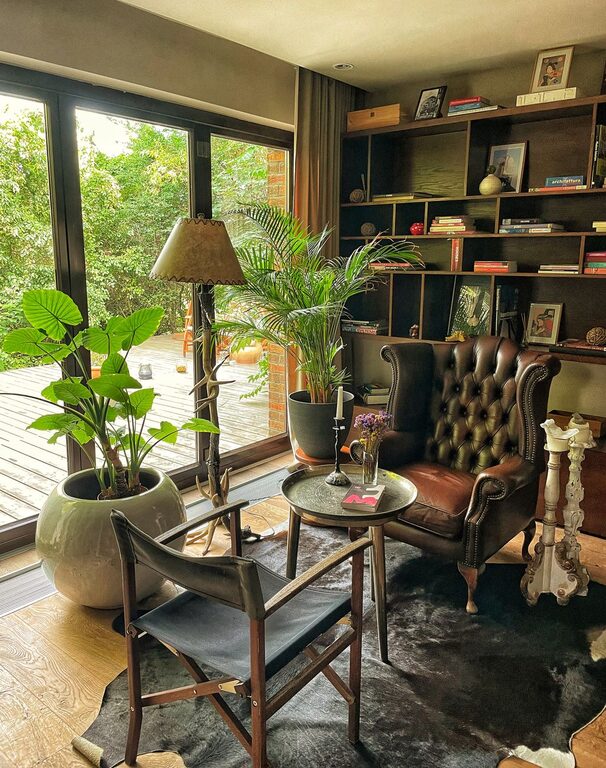
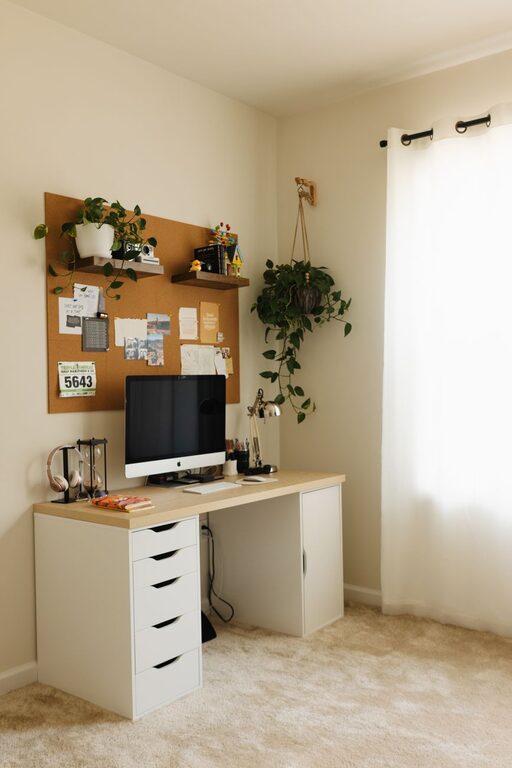
Creating a relaxing home workspace is essential for maintaining productivity and well-being when working remotely. A well-designed area helps reduce stress, keeps you motivated, and minimizes distractions. Whether you’re new to remote work or looking to improve your current setup, these tips will guide you in transforming your home workspace into a calm, comfortable, and efficient environment.
Choose the Right Location
Selecting the right spot for your workspace is the foundation of creating a relaxing work area.
– Pick a quiet corner: Choose a space with minimal noise and foot traffic to limit disruptions.
– Consider natural light: A spot near a window provides natural lighting, which boosts mood and alertness.
– Separate work from leisure: If possible, pick an area away from where you relax or sleep to establish a mental boundary between work and rest.
Invest in Comfortable Furniture
Your body’s comfort plays a major role in your productivity and relaxation.
– Ergonomic chair: Choose a chair that supports good posture, ideally with adjustable height and lumbar support.
– Appropriate desk height: Your desk should allow your arms to rest comfortably with elbows bent at about 90 degrees.
– Foot support: Use a footrest if your feet don’t touch the ground to maintain proper alignment.
– Standing options: Consider a sit-stand desk to switch positions and reduce fatigue throughout the day.
Optimize Lighting for Comfort and Focus
Lighting impacts your energy and how well you can concentrate.
– Use daylight when possible: Natural light helps regulate your body’s internal clock.
– Avoid glare: Position your screen and desk to prevent reflections or direct light in your eyes.
– Task lighting: Use desk lamps with adjustable brightness for focused work, especially in the evenings.
– Warm light tones: Choose bulbs with warm or neutral tones to create a relaxing ambiance rather than harsh, cold light.
Keep Your Workspace Organized
A clutter-free environment supports mental clarity and efficiency.
– Declutter regularly: Remove unnecessary papers, gadgets, or items to keep the space neat.
– Use organizers: Invest in drawer units, trays, or shelves to store supplies.
– Cable management: Use clips or ties to keep wires untangled and out of sight.
– Daily reset habit: Spend a few minutes at the end of each day tidying your workspace to start fresh tomorrow.
Add Soothing Elements
Incorporating calming touches helps reduce stress and promotes productivity.
– Plants: Indoor plants improve air quality and add a touch of nature that can boost mood.
– Personal touches: Add photos, artwork, or meaningful objects that make you feel calm.
– Essential oils or candles: Light scents like lavender or eucalyptus can create a relaxing atmosphere (use safely).
– Soft textures: Include cushions or a small throw blanket for visual and physical comfort.
Minimize Distractions
Maintaining focus is critical for an effective workspace.
– Turn off notifications: Silence unnecessary alerts on your computer and phone.
– Use noise-canceling headphones or soft background music: These can help block out distracting sounds.
– Limit access to social media or entertainment sites: Use focus mode apps or browser extensions if needed.
– Set boundaries: Communicate your work hours and space to household members to reduce interruptions.
Establish a Routine and Break Areas
A routine and dedicated breaks support sustained productivity.
– Consistent schedule: Start and end your workday at set times to build structure.
– Designate breaks: Step away from your workspace during breaks to clear your mind.
– Stretch and move: Use break time to do light stretches or short walks to reduce tension.
– Create a separate relaxation spot: If space allows, have a cozy chair or nook for rest, distinct from your desk area.
Maintain Good Air Quality and Temperature
Physical comfort is fundamental for maintaining focus and relaxation.
– Ventilation: Open a window regularly or use an air purifier to keep fresh air circulating.
– Control temperature: Keep your workspace at a comfortable temperature—neither too hot nor too cold.
– Humidity: Consider a small humidifier in dry climates to avoid dryness in your skin and throat.
Use Technology Wisely
The right technology setup enhances productivity without creating stress.
– Quality monitor and peripherals: A larger screen, comfortable keyboard, and mouse reduce strain.
– Fast and stable internet: Reliable connectivity ensures smooth remote work.
– Backup solutions: Protect your work with cloud storage or external drives.
– Simplify your desktop: Organize folders and shortcuts for easy access to frequently used files.
—
Creating a relaxing home workspace doesn’t require a huge budget or extensive remodeling. By thoughtfully selecting your space, choosing comfortable furniture, managing lighting, and minimizing distractions, you can set up an environment that supports both relaxation and productivity. Regularly updating and maintaining this space will help you stay focused, motivated, and balanced during your workday.
About the Author